
Spot UV & Raised UV Guide
Learn how clear spot UV, raised spot UV, and color UV create glossy contrast, tactile depth, and high-impact surface detail on custom business cards. This guide helps you choose the right UV direction for logos, patterns, textures, and premium brand details.

Raised Spot UV creates glossy, dimensional details that become visible through light reflection and surface height.
What is Spot UV?
Spot UV applies a glossy cured polymer to selected artwork areas instead of coating the entire card. It can be used as a subtle clear gloss, a raised tactile layer, or a colored raised detail depending on the project.
Gloss over selected artwork
Clear UV creates a transparent glossy layer over logos, patterns, or background details. It is strongest when used over matte or soft-touch surfaces.
3D gloss with physical height
Raised Spot UV builds a thicker polymer layer, creating a tactile glossy effect that can be felt by touch and seen through highlights.
Colored raised polymer
Color UV combines pigment and height, creating a vivid sculptural detail for logos, icons, symbols, or decorative accents.
UV effects on different card surfaces
UV effects depend heavily on paper color, surface finish, viewing angle, and lighting. Dark matte cards show gloss contrast strongly, while white or pearlescent stocks can create a cleaner, more subtle effect.
Gloss on Black Stock
Raised clear UV creates strong contrast on dark matte surfaces.
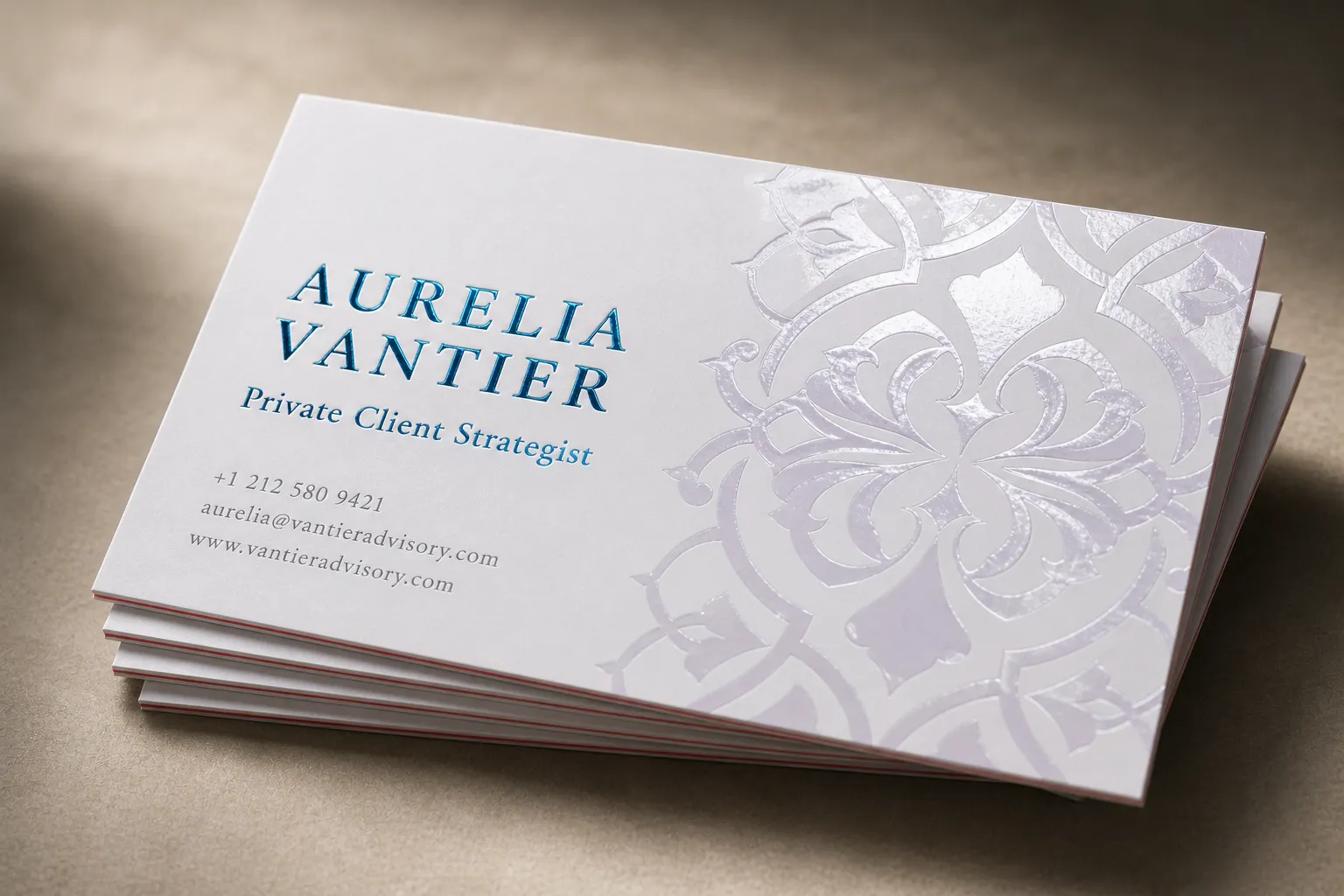
Clear UV Pattern
Transparent UV can create decorative patterns that appear through reflection.
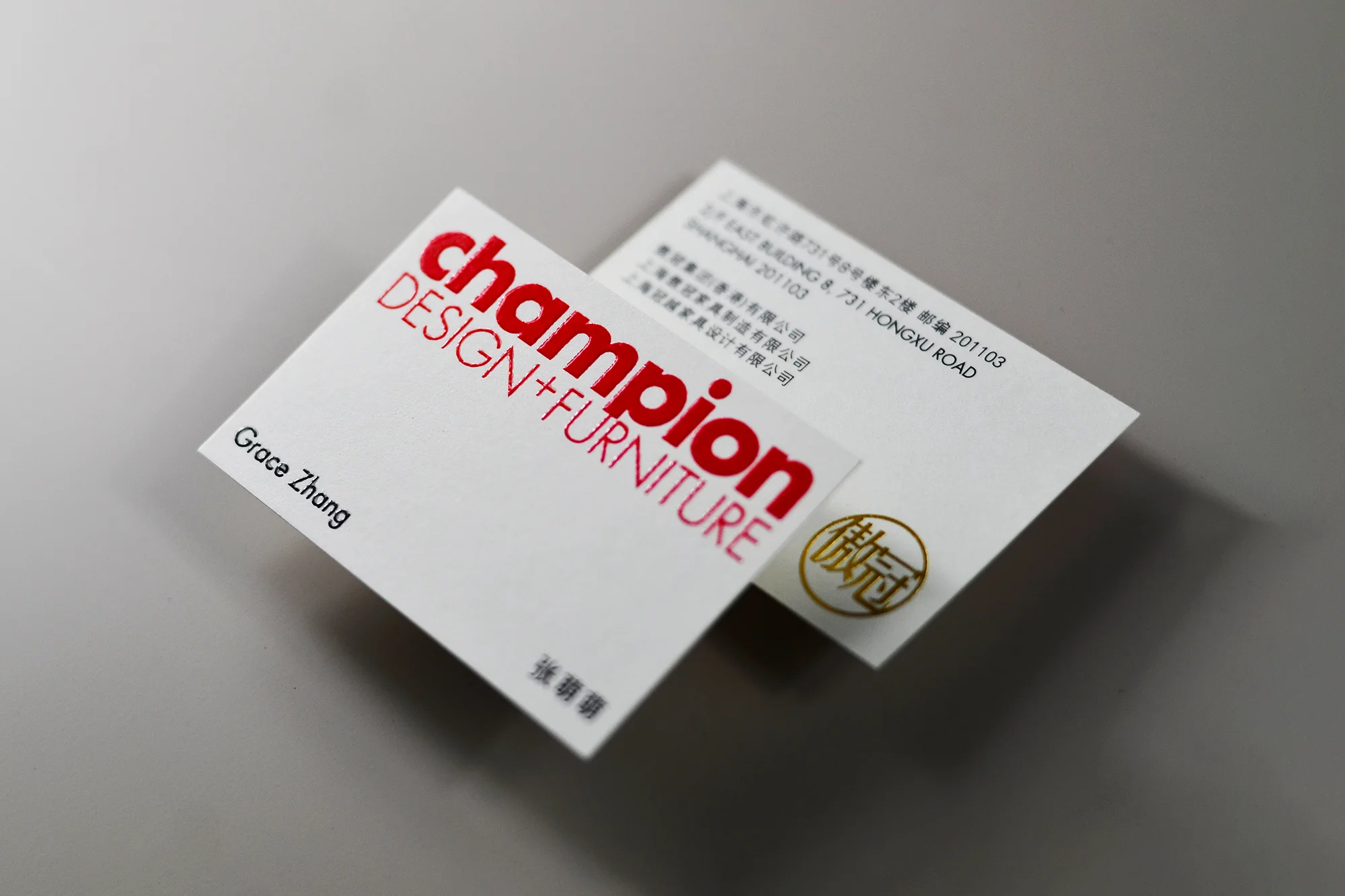
Raised Logo UV
A raised glossy logo gives the card a stronger tactile brand mark.
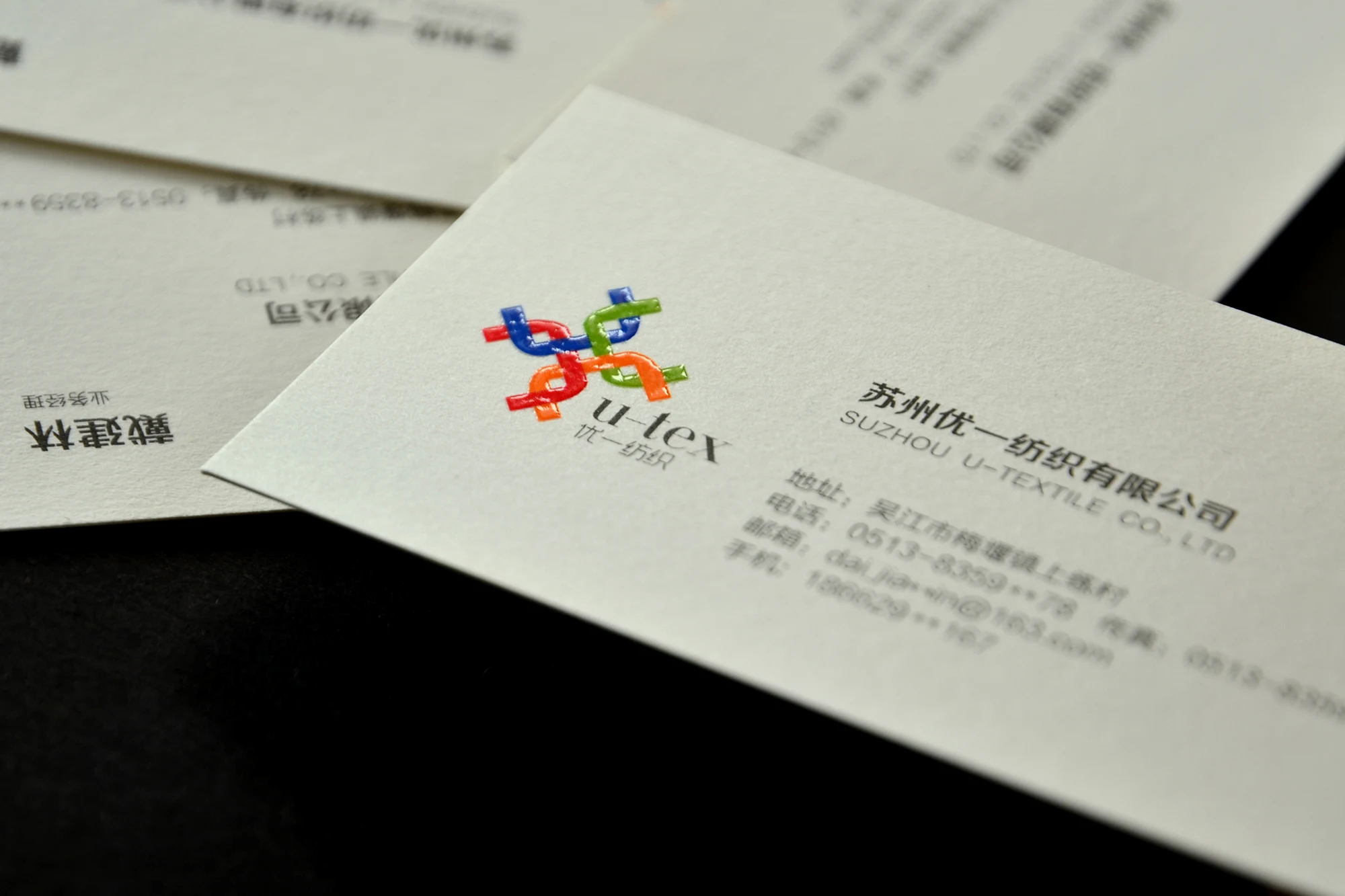
Color UV Accent
Colored UV can make selected icons or logo elements more vivid.
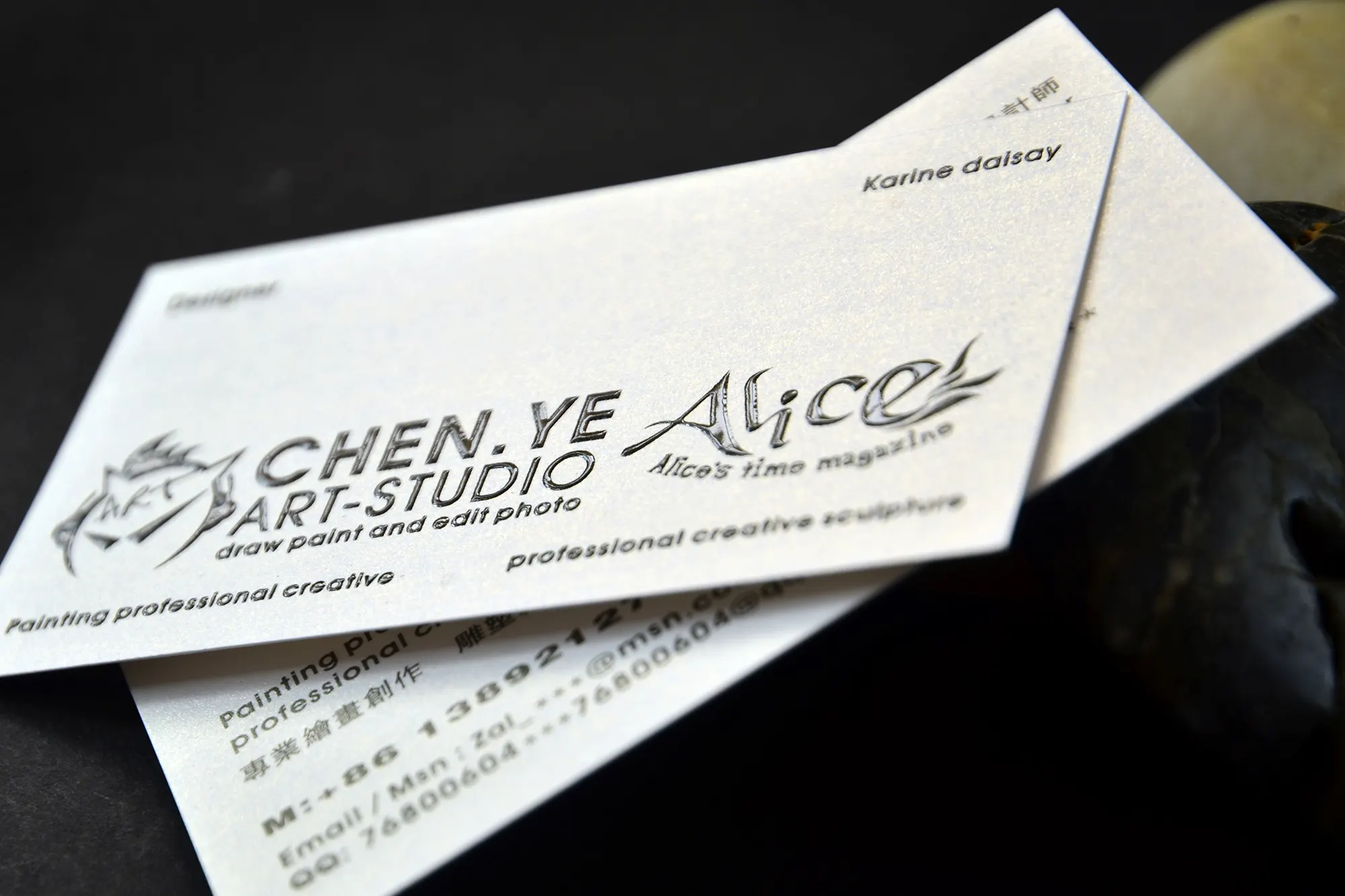
UV on Shimmer Stock
Gloss UV can add contrast against pearlescent or shimmering card surfaces.
UV + Foil Combination
Spot UV can work with foil when placement and artwork layers are planned carefully.
Clear UV vs. Raised UV vs. Color UV
Use this comparison to choose the right UV effect for your artwork and card surface.
| Feature | Clear UV | Raised UV / Color UV |
|---|---|---|
| Surface effect | Transparent gloss on selected artwork areas. | Thicker tactile polymer with visible height or added color. |
| Best use | Patterns, subtle logos, background texture, gloss-on-matte contrast. | Main logos, bold icons, large type, sculptural marks, color accents. |
| Visual tone | Subtle, refined, angle-dependent. | Stronger, more tactile, more visible under light. |
| Best surface | Matte, soft touch, dark stock, black cards. | Thick cards, soft touch cards, black cards, color core cards, pearlescent stocks. |
| Artwork caution | Very fine details may be hard to see on white or glossy surfaces. | Tiny strokes, sharp corners, and UV near trim edges should be checked before production. |
How to design for clean UV results
Spot UV needs enough area to catch highlights. The most effective designs use deliberate contrast between matte areas and glossy raised details.
Better for Spot UV
Use artwork areas that are bold enough to reflect light clearly and hold clean polymer edges.
Use caution
UV is a physical surface layer, so placement and line thickness matter more than normal print artwork.
File setup for Spot UV and Raised UV
UV artwork should be supplied as a separate vector layer so the production team can identify exactly where the gloss, raised polymer, or color UV should be applied.
Mark UV clearly
Keep CMYK print artwork and UV artwork separated. Name the UV layer clearly, such as Clear UV, Raised UV, or Color UV.
Use enough thickness
Use at least 0.5pt line thickness as a practical reference for raised UV or fine gloss details.
Stay away from cut and fold lines
Avoid placing raised UV directly on trim edges, fold lines, or areas that may crack during finishing and handling.
Choose the right card base for UV finishing
UV finishing works best when the card surface creates visible contrast. Soft-touch, black stock, thick cards, and color core structures are especially suitable for gloss or raised UV effects.
Common questions about Spot UV and Raised UV
What is the difference between Clear UV and Raised UV?
What is Color UV?
Which card surface works best with Spot UV?
Can Spot UV be combined with foil stamping?
Can I use UV for tiny text?
What file setup is needed?
Not sure whether your design needs Clear UV, Raised UV, or Color UV?
Send your artwork, reference image, quantity, paper direction, and finishing requirements. We can review whether your UV layer, line thickness, and card surface are suitable before quoting.