
Most customers can only use CMYK when printing their product packaging, posters and similar products. CMYK printing is not as vivid as printing from RGB colors, the colors displayed on screens. The beautiful colors that designers have worked so hard to create end up looking rather dull in the finished products, losing the appearance they were meant to have.
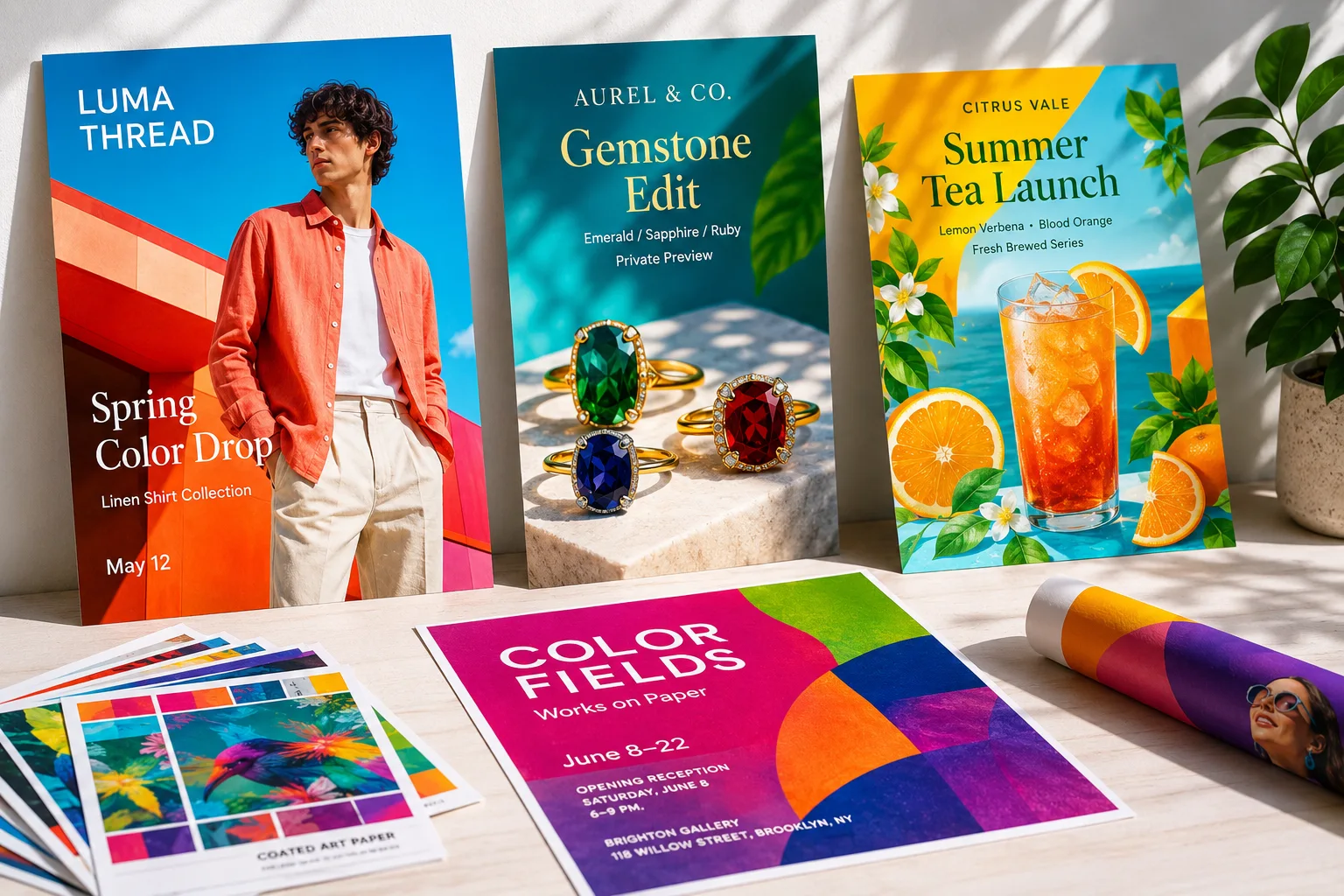
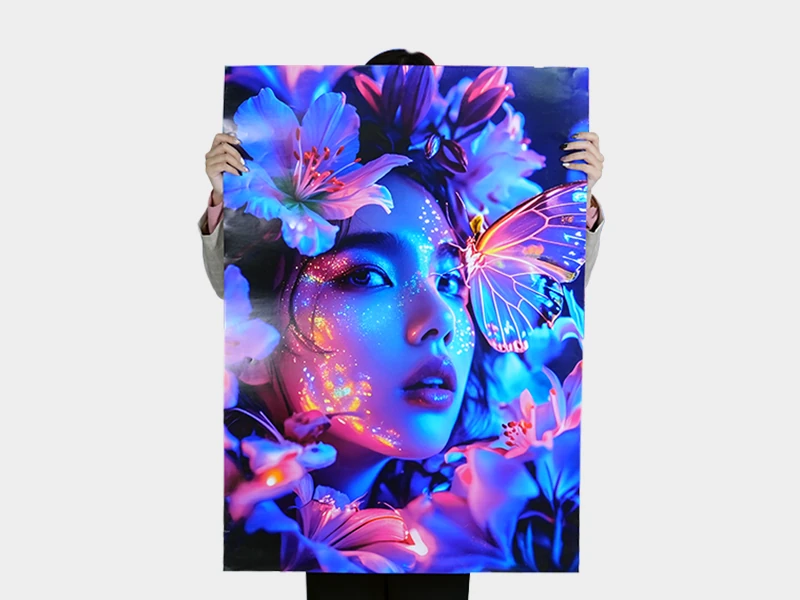
Here, I want to share some great news with you: we support short-run spot color printing and RGB printing, with no limit on the number of spot colors or RGB colors. In other words, having several spot colors in a single design is no problem.
Our press uses seven-color, wide gamut printing with environmentally friendly, water-based nano inks. It can simulate 96% of Pantone colors.
This also means that when you submit your artwork files, do not submit them in CMYK. Submit files that use spot colors or RGB color mode.
About paper and print sizes
We currently print on two types of paper: coated paper and white cardstock. Thicknesses range from 0.2 to 0.5 mm, and can be even greater by bonding layers together.
The maximum print size is 700 × 980 mm.
What lamination options do we offer?
We offer three lamination options: scratch-resistant matte lamination, standard matte lamination and gloss lamination.
If your product has vivid colors and is often held in the hand, such as a business card, we recommend scratch-resistant matte lamination.
For posters, adhesive labels and similar products, we recommend gloss lamination. This gives the colors an extra boost in vividness.
What can it be used for?
- Posters
- Folded leaflets and flyers
- Business cards and cards
- Postcards
- Adhesive stickers
- Photo books
For photographers’ finished images in particular, if the colors need a boost, we recommend our RGB printing. It is the best option.

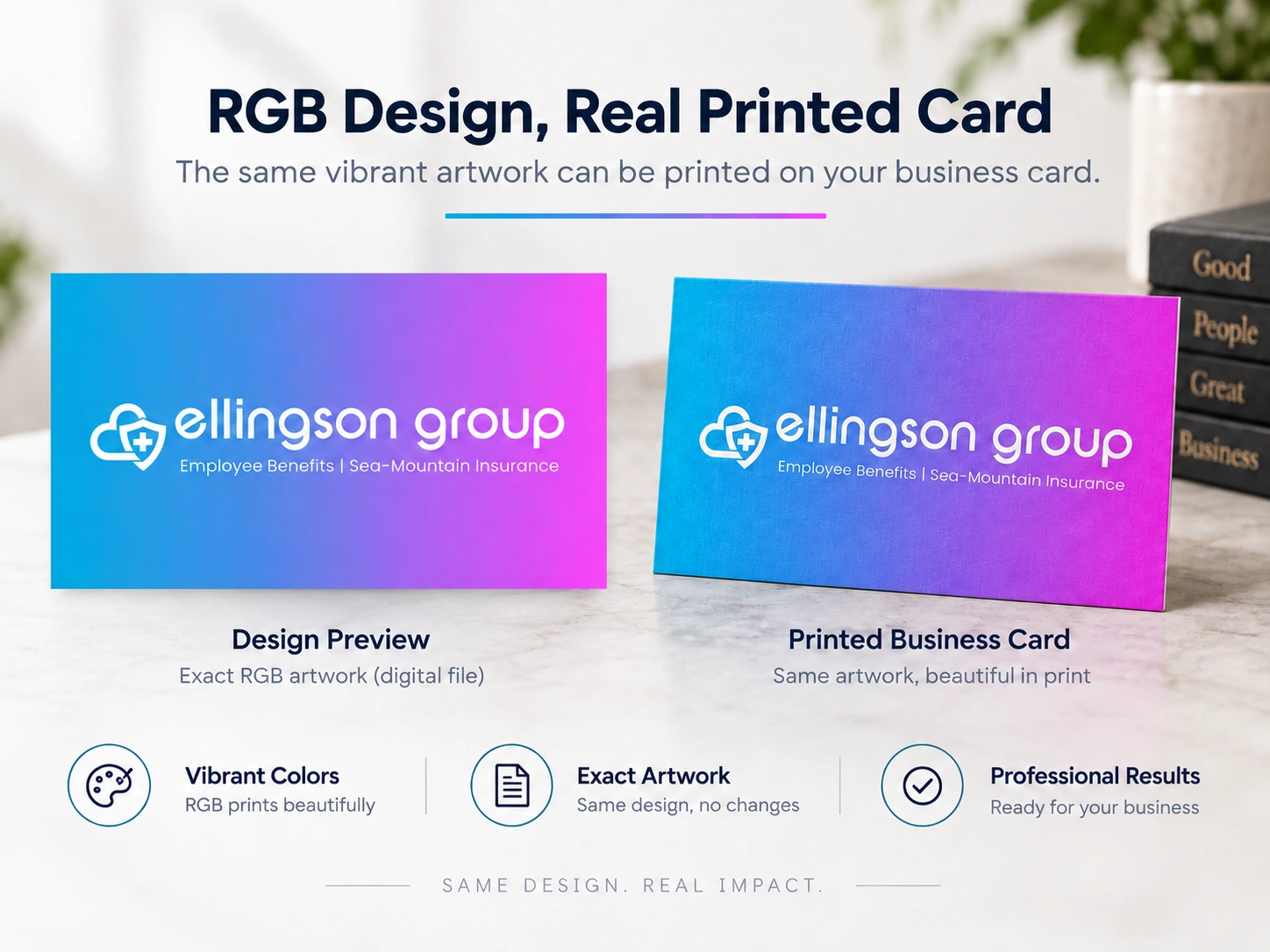
Artwork files
We only recommend submitting spot-color or RGB artwork. If your artwork is in CMYK, it needs to be adjusted. Otherwise, the output colors will still be based on CMYK.
My design is already in RGB. What should I check when exporting a PDF?
PDF is a file format; it doesn’t guarantee that RGB colors are preserved. If you choose to convert colors to CMYK when exporting, your original RGB content may be converted too. Check the color conversion settings when you export, and keep your original design file. If a PDF looks duller, that alone doesn’t tell you whether it has been converted to CMYK.
Do I need to keep the color profile if my file is already in RGB?
Yes. Color profiles such as sRGB and Adobe RGB tell software how to interpret the colors in your file. If your original file already has the correct profile, keep it embedded when you save. Don’t assign a different profile just to make the colors more vivid. Doing so can change how your artwork looks; it doesn’t automatically improve the printed result.
About proofing
Our minimum order quantity is 10 copies. In other words, for us, there is no fundamental difference between making one copy and 10 copies. So if you want a proof, you can simply order 10 copies.


Turnaround time
If the finishing is not complicated, we usually ship in around three days. If the job involves bonding layers together or folding, it will take an extra one to two days.
A little more about the difference between RGB and CMYK
Below is an explanation of the difference between RGB and CMYK, to help you understand why they can be so different.
To put it simply: RGB is used for screens, and CMYK is used for printing. One uses light, and the other uses ink, so the same color will look different on a screen and on paper.
What is RGB?
RGB stands for Red, Green and Blue.
Phones, computers and televisions all use it. A screen emits its own light. By mixing red, green and blue light at different brightness levels, it can create all kinds of colors. When all three are at full brightness, the result is white. When they are all turned off, the result is black.
You can imagine turning on three lights in a dark room. The more lights you turn on, the brighter the room becomes.
Because the screen emits its own light, RGB colors can be particularly bright and vivid. Those luminous blues and greens that look fluorescent are its strengths.
What is CMYK?
CMYK consists of four printing inks: Cyan, Magenta, Yellow and Key, which is black.
Paper does not emit its own light. We see colors on paper because light falls on it, some is absorbed by the ink, and the rest is reflected into our eyes. So the more ink you add, the more light is absorbed, and the darker the color becomes.
This is the opposite of RGB: adding more light in RGB makes it brighter, while adding more ink in CMYK makes it darker.
If you want to learn more about the differences between RGB and CMYK printing, I suggest searching on Google.
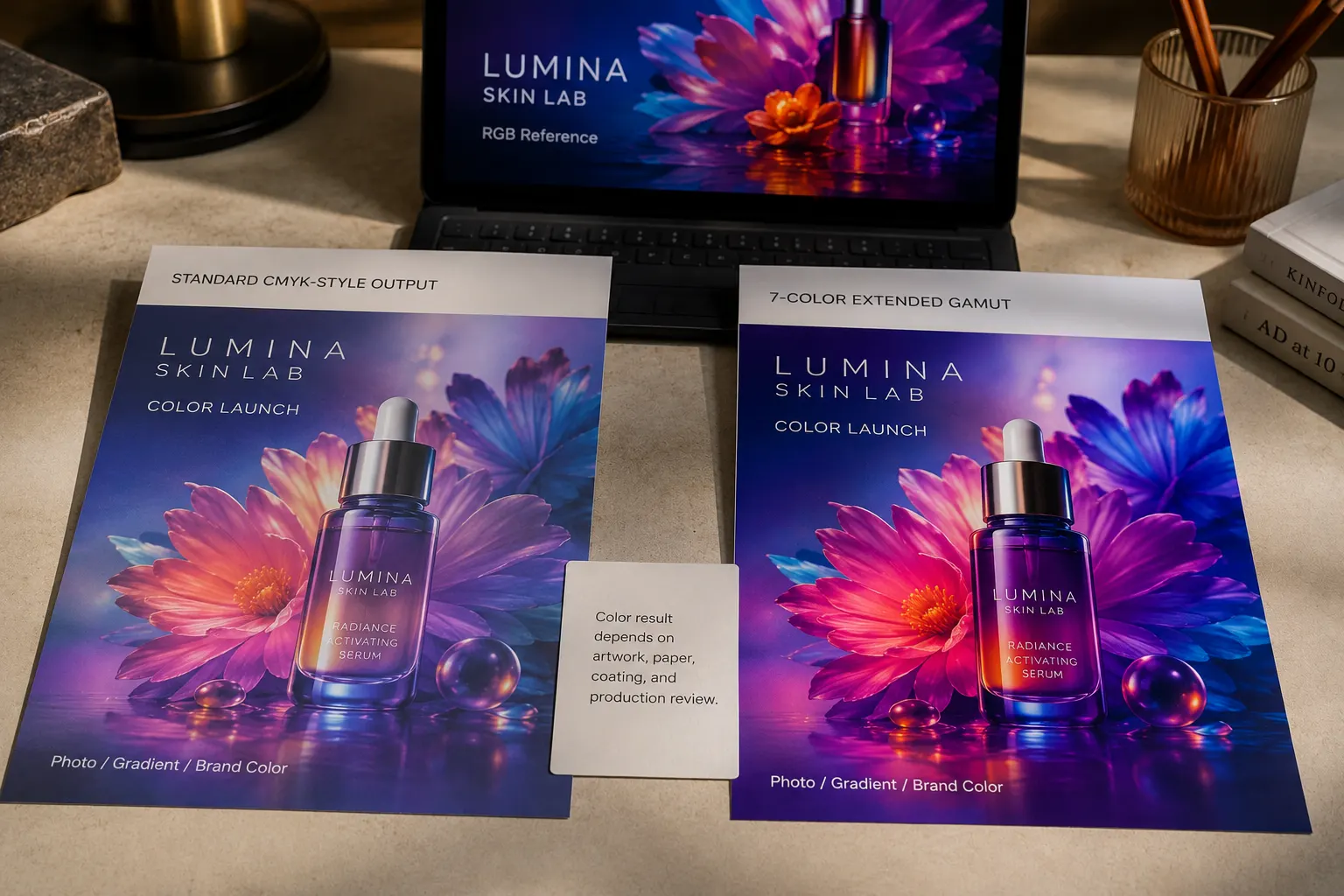
For spot colors, see Pantone vs CMYK printing for small runs. Before a full run, you can check your colors with a brand color sample review.